
How ChatDuo Works
ChatDuo is a free random video chat with no sign-up: pick Text or Video, press Start, and you are usually talking to one stranger within seconds. No account, no download, no app, nothing to buy. Below: what you need, what is stored, and what to do when the camera fails.
Last reviewed: 12 November 2026
Three steps to a free video chat with no sign-up
-
Pick Text or Video
The start panel on the homepage shows the online count and two buttons. Text is a typed one-on-one chat with no camera; Video is a 1v1 video chat with a text chat alongside. Interests and chat language are optional.

The start panel on desktop. -
Allow your camera and microphone (video only)
For video, your browser asks whether chatduo.com may use the camera and microphone; choose Allow. Allowing it records nothing on ChatDuo’s side, and in any chat you can switch to Camera off or Mute. Text chat skips this step.
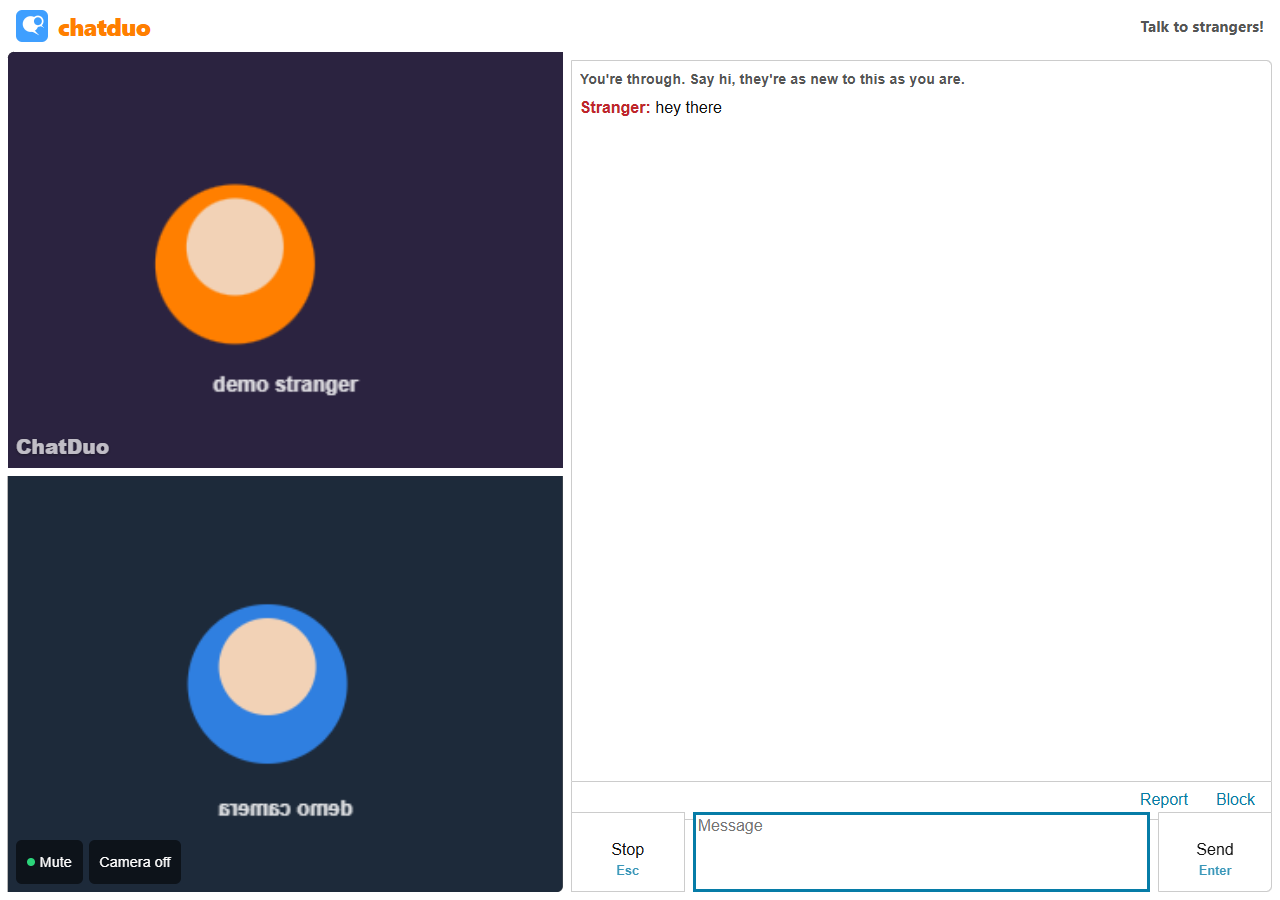
A video chat on desktop (demo cameras). -
Press Start, then Next or Stop
The first chat in a tab opens the “Before you start” dialog with one checkbox: you are 18 or older and an adult where you live, and you agree to the Terms, Privacy Policy and Community Guidelines. ChatDuo is 18+ only. Press Start text chat or Start video chat and the search begins. Once connected, Next moves to another stranger, Stop (or Esc) ends the session, and Report and Block are one tap away. On a phone, you swipe to skip.
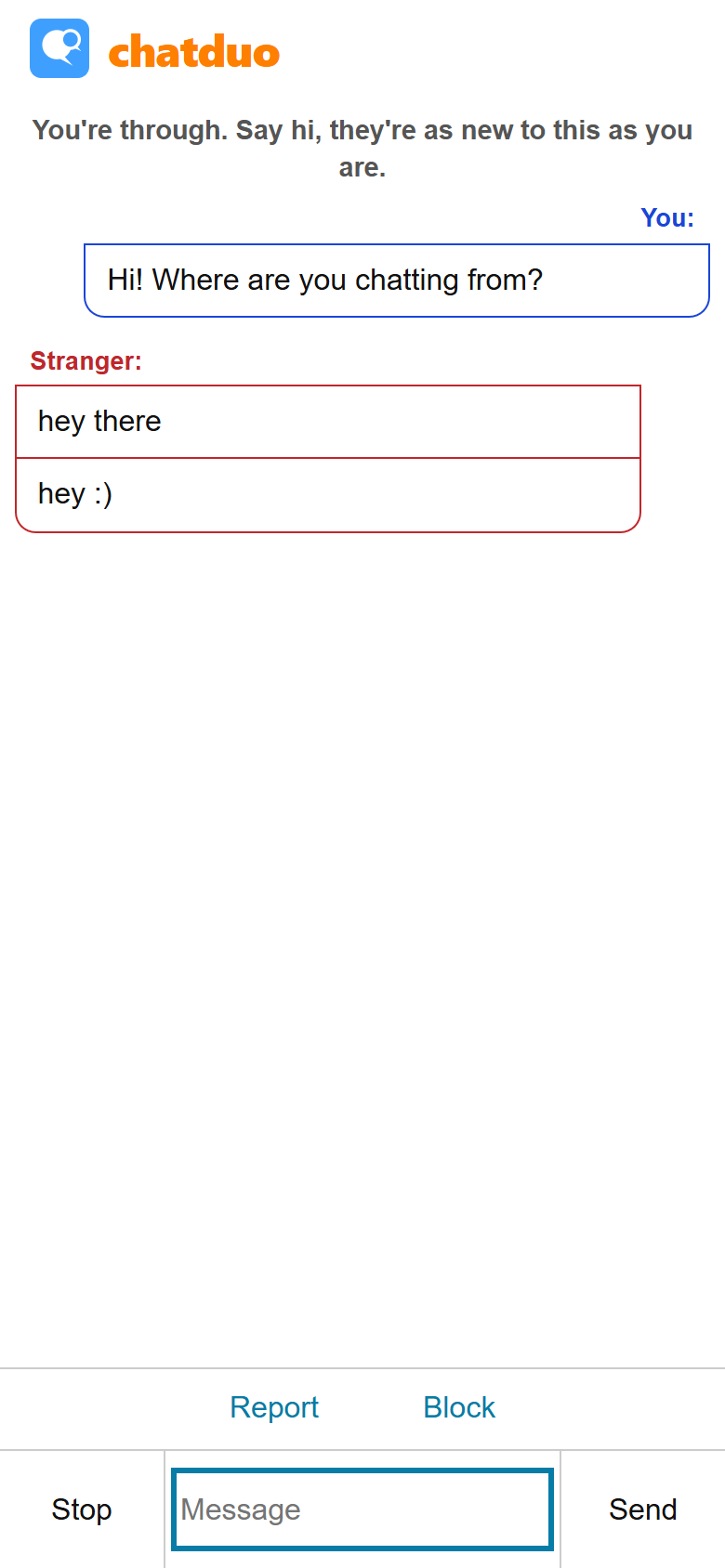
A text chat on a phone (demo stranger).
What you need: no account, no download
A current browser
Chrome, Edge, Firefox or Safari from the last year or so, or another Chromium-based browser such as Brave.
Camera and microphone permission (video only)
Chrome and Edge prompt under the address bar, Firefox adds a device picker, Safari asks per site. Text never asks.
iPhone or Android, no app
Safari on iPhone or iPad, Chrome on Android; current Chrome and Firefox on iOS work too.
A desktop or laptop
Any webcam, including a built-in one.
Interests and chat language
Both are optional and only change who the search looks for first.
Interests. Pick a chip such as Music, Games or Just chatting, or type your own. The search first looks for someone who shares one (“Scanning the crowd for someone who also likes ...”); after a short wait without a match it falls back to anyone waiting.
Chat language. Someone waiting in the same language is preferred; when nobody is, you are matched anyway.
What they do not do. Neither is a hard filter. ChatDuo has no gender, country or age selection today and no group rooms. Interests only decide who the search tries first, for a few seconds; chat language only decides who is preferred; and nothing you enter becomes a profile.
Report, Block and automatic bans
Report. Press Report, pick a reason and confirm with Report and end chat; the chat ends at once. When several different people report the same person within 24 hours, that person is banned automatically; the ChatDuo team can also review flagged sessions and ban manually. ChatDuo does not watch chats as they happen; reports start enforcement.
Block. Ends the chat, and the two of you are never matched again.
Bans and appeals. The ban notice shows the end time, the reason and a reference code, and says “Appeals are free, and paying never lifts a ban.” To appeal, use the contact form with that code. The Safety page covers chats that simply feel wrong.
What is and is not stored
In line with the Privacy Policy:
- Not stored: an account, profile or email, because there are none. Messages are relayed live and not kept after the chat. Video and audio travel directly between the two browsers (WebRTC) and are not recorded by ChatDuo.
- Stored for enforcement: a hashed form of your IP address and a random
randidcookie that identifies your browser for bans and blocks. Neither is tied to a name. - Stored for statistics: counts such as chats started and completed, with no identifier.
- Stored in your browser only: interests, chat language, your auto-next preference and your block list.
The other person can see and hear you, and anyone can record their own screen; see the Safety page. The cookie table lists every cookie and storage key.
Troubleshooting
Camera not detected
Close other apps that may be holding the camera, check the operating system lets the browser use it (Windows: Settings, Privacy and security, Camera; macOS: System Settings, Privacy and Security, Camera), then reload.
Permission denied
- Chrome and Edge: click the icon at the left of the address bar, Site settings, allow Camera and Microphone, reload.
- Safari (Mac): Safari menu, Settings for chatduo.com, set Camera to Allow, reload.
- Firefox: click the camera icon in the address bar, remove the blocked permission, reload and allow.
- Android (Chrome): tap the icon next to the address bar, Permissions, allow Camera and Microphone.
- iPhone and iPad (Safari): tap the page settings button in the address bar, Website Settings, allow Camera and Microphone.
Slow connection
A weak connection shows as frozen or blurry video. Switch from mobile data to Wi-Fi, or press Next for a new connection. Text chat with strangers uses a fraction of the bandwidth.
What the camera-denied screen means
“Video needs a camera, and yours is blocked or missing.” means the browser refused the camera or found none; the video chat did not start and no video or audio was sent. Fix the permission as above, then press Try video again, or pick Chat by text instead.
Frequently asked questions
Is there really no sign-up?
Yes. No account, no email to confirm, no profile. You tick the one checkbox in the “Before you start” dialog the first time and press Start. Between visits ChatDuo keeps only preferences in your browser (interests, chat language, auto-next and your block list), plus a random cookie used for bans and blocks; the cookie table lists every key.
Is a free video chat with no registration really free?
Yes. There is nothing to buy: no coins, no premium tier, no time limit and no card on file. Text and video are the same free product for everyone. If a page asks you to pay to lift a ban or unlock a feature, it is not ChatDuo.
Does random video chat with no login work on my phone without an app?
Yes. Open chatduo.com in Safari on an iPhone or iPad, or in Chrome on Android, and press Start. The browser asks for camera and microphone permission (Safari on iPhone may ask again on later visits unless you choose Allow in Website Settings); there is no ChatDuo app and no store account. Video sits on top, chat below, and you swipe to skip.
Why ask for my camera if there is no sign-up?
Because a video chat needs it; the request comes from your browser, not from an account. The permission applies to chatduo.com only and you can withdraw it in your browser settings. Video and audio go directly to the other person over WebRTC and are not recorded by ChatDuo.
Without accounts, what stops a banned person coming back?
Bans are tied to a hashed form of the IP address and to the random cookie in the banned browser, not to a name. That holds most people for the length of the ban; a determined person can sometimes get around it, which is why Report and Block exist in every chat.